
In the world of competitive online gaming, your greatest enemy isn’t always the final boss or a rival player with pinpoint aim. Often, the most frustrating foe is invisible: lag. That split-second stutter, the infuriating delay between your command and your character’s action, can mean the difference between a glorious victory and a controller-throwing defeat. While many gamers rely on Wi-Fi for its convenience, a wired connection is the undisputed champion for stability and speed.
But simply plugging in any old cord you found in a drawer isn’t enough. The unsung hero of a truly lag-free experience is the Ethernet cable. This guide will demystify the world of twisted pairs and plastic jackets, helping you choose the best Ethernet cable for gaming so you can focus on climbing the leaderboards, not wrestling with your connection.
Why Ethernet is King for Gaming
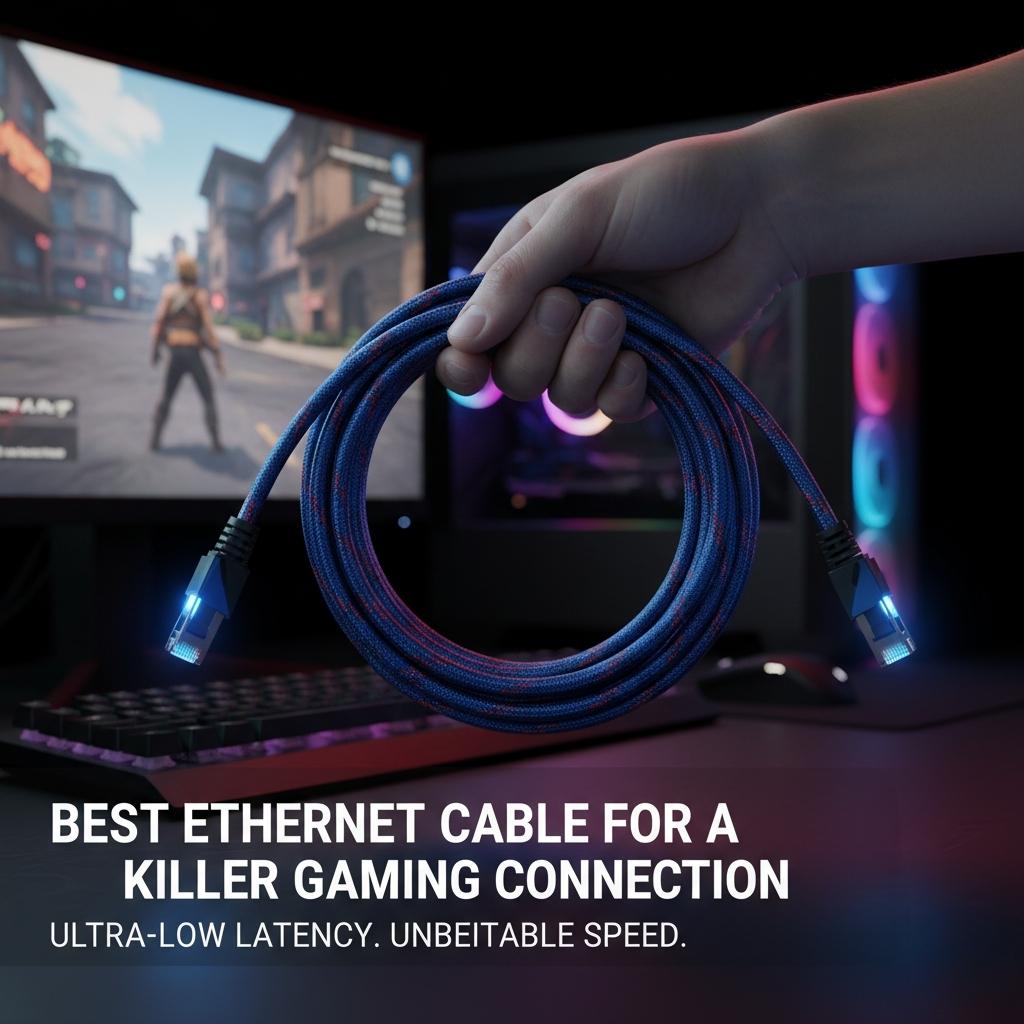
Think of your internet connection like a highway. Wi-Fi is like a busy, multi-lane city road with traffic lights, intersections, and other cars (other wireless devices) all competing for space. Signals can get blocked by walls, interfered with by your microwave, or just slow down due to congestion. This creates an unpredictable journey for your data, leading to higher ping (latency) and potential packet loss (data that just gets lost along the way).
An Ethernet cable, on the other hand, is a private, direct tunnel. It’s a physical, dedicated lane straight from your router to your gaming console or PC. This direct link provides three massive advantages for gamers:
- Lower Latency (Ping): Latency is the time it takes for data to travel from your device to the game server and back. A wired connection drastically reduces this travel time. Because the path is direct and clear, you get a much lower and more stable ping, ensuring your actions are registered almost instantly.
- Unbeatable Stability: Ethernet connections are immune to the radio frequency interference that plagues Wi-Fi. Your neighbor’s new router, your smart fridge, or even someone walking between your console and the router can’t disrupt a wired signal. This means no random disconnects or lag spikes in the middle of a crucial match.
- Consistent Speed: While Wi-Fi speeds can fluctuate wildly depending on distance and interference, an Ethernet cable delivers the consistent, full speed of your internet plan directly to your device. This is vital for downloading massive game files, updates, and for streaming your gameplay without a hitch.
Decoding Ethernet Cable Categories: What Do Cat5e, Cat6, Cat6a, and Beyond Mean?
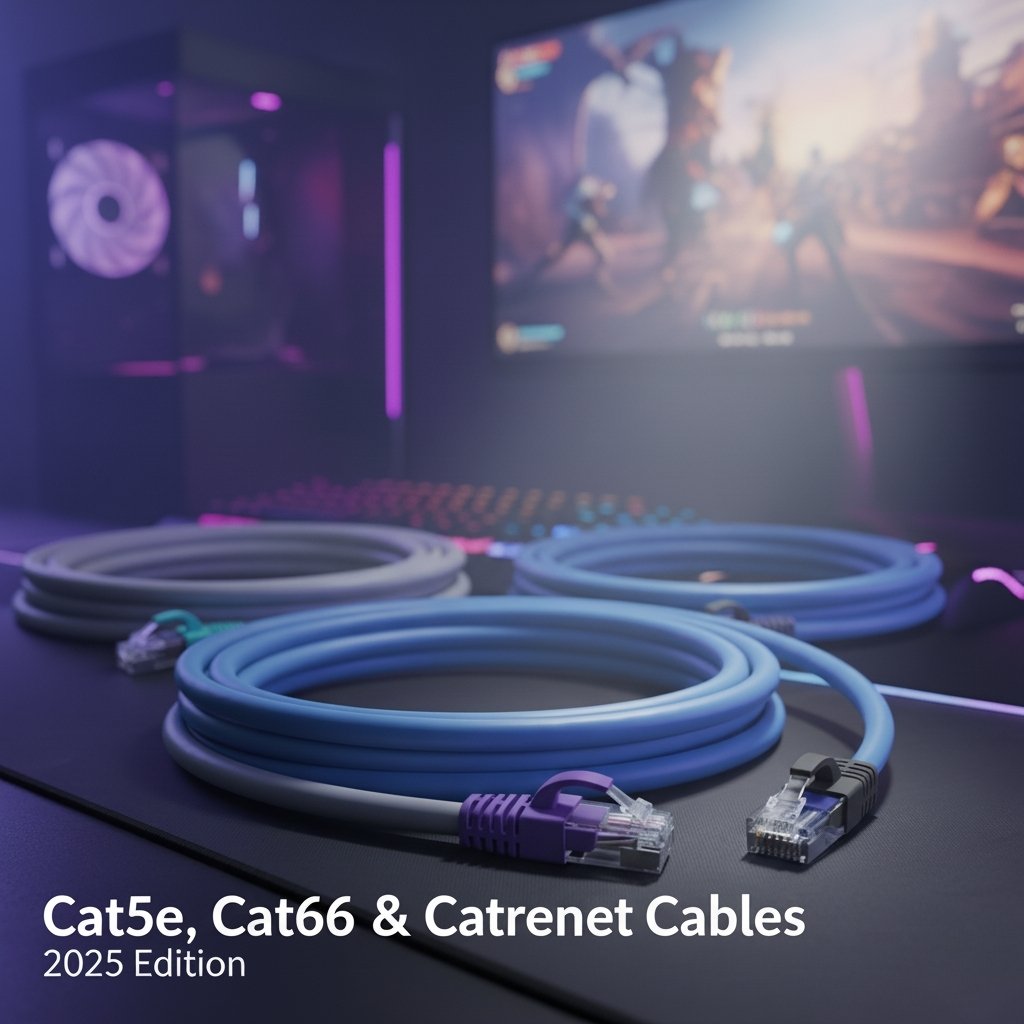
When you shop for an Ethernet cable, the most important specification you’ll see is its “Category” or “Cat.” This rating determines the cable’s performance capabilities, specifically its data transfer speed and bandwidth. Think of speed as how fast the cars can go on the highway and bandwidth as how many lanes the highway has.
Here’s a breakdown of the common categories and what they mean for your gaming experience.
| Category | Max Speed (at 100m) | Max Bandwidth | Gaming Suitability |
| Cat5e | 1 Gbps | 100 MHz | Good. Still viable for many, but aging. |
| Cat6 | 1 Gbps (up to 10 Gbps < 55m) | 250 MHz | Excellent. The sweet spot for gamers. |
| Cat6a | 10 Gbps | 500 MHz | Future-Proof. Ideal for top-tier internet. |
| Cat7 | 10 Gbps (higher potential) | 600 MHz | Overkill. No real gaming benefit. Proprietary connector issues. |
| Cat8 | 25−40 Gbps | 2000 MHz | Data Center Grade. Completely unnecessary for home use. |
Cat5e: The Old Reliable
Category 5e (the ‘e’ stands for enhanced) was the standard for years. It supports speeds up to 1 Gigabit per second (1 Gbps), which is still faster than most people’s home internet plans. For a budget gamer with an internet connection under 1 Gbps, a Cat5e cable will work just fine. However, it has lower bandwidth (100 MHz) and is more susceptible to “crosstalk” (interference between the internal wires), making it a less robust choice than its modern counterparts.
Cat6: The Gamer’s Sweet Spot
This is where things get interesting. A Cat6 cable also supports speeds up to 10 Gbps, but only over shorter distances (under 55 meters). For longer runs up to 100 meters, it reliably delivers 1 Gbps. The key upgrade is the bandwidth, which jumps to 250 MHz. This “wider highway” allows more data to flow simultaneously and with less congestion. Cat6 cables also feature tighter-wound wires and sometimes a plastic spine (spline) that separates the pairs, significantly reducing crosstalk and interference.
For 99% of gamers, Cat6 is the perfect choice. It handles any current internet speed, provides a rock-solid connection, minimizes latency, and is very affordable.
Looking to level up your display without going overboard on budget? Explore our expert-reviewed list of the best gaming monitors under $400 for smoother gameplay and sharper visuals.
Cat6a: The Future-Proof Upgrade
Cat6a (the ‘a’ stands for augmented) is a step up, offering a full 10 Gbps speed over the entire 100-meter distance and doubling the bandwidth again to 500 MHz. These cables are better shielded and thicker than Cat6 cables, offering even greater protection against interference.
If you have an ultra-fast, multi-gig internet plan (or plan to get one soon), or if you’re running cables through an area with a lot of potential electrical interference (e.g., alongside power cables), Cat6a is an excellent, future-proof investment for a minimal price increase over Cat6.
Cat7 and Cat8: The Unnecessary Titans
You’ll see Cat7 and Cat8 cables marketed heavily as “premium gaming cables.” Don’t fall for the hype.
Cat7 cables boast a bandwidth of 600 MHz but offer the same 10 Gbps speed as Cat6a. More importantly, it uses a proprietary GigaGate45 (GG45) connector that isn’t an official TIA/EIA standard, though most are sold with standard RJ45 heads, negating their supposed benefits. They offer zero tangible advantages for gaming over a Cat6a cable.
Cat8 is an absolute behemoth, designed for data centers and enterprise environments. It supports speeds of 25 to 40 Gbps over short distances with a massive 2000 MHz bandwidth. No home gaming setup or internet plan comes close to needing this level of performance. Buying a Cat8 cable for your PS5 or PC is like buying a Formula 1 car to drive to the grocery store—a complete waste of its potential and your money.
Key Features to Look for When Buying an Ethernet Cable
Beyond the “Cat” rating, a few other factors determine a cable’s quality and performance.
Shielding: UTP vs. STP
This refers to how the cable is protected from electromagnetic interference (EMI).
- UTP (Unshielded Twisted Pair): This is the most common type of Ethernet cable. The wires inside are twisted into pairs, which naturally helps cancel out some interference. For most homes, where EMI is low, a quality UTP cable is perfectly sufficient.
- STP/FTP (Shielded/Foiled Twisted Pair): These cables include an extra layer of protection, usually a foil shield or a braided metal mesh, around the twisted pairs. This makes them more resistant to EMI. You should consider a shielded cable if you are running it alongside power cords for a long distance, near heavy machinery, or in an apartment building with a lot of network “noise.” For most gamers, this is a “nice-to-have,” not a “must-have.”
Build Quality
A cable is only as strong as its weakest link, which is often the connector.
- Connectors: Look for cables with gold-plated connectors. Gold is highly resistant to corrosion and oxidation, ensuring a clean, reliable physical connection for years. A snag-less boot design, which protects the locking clip from breaking off, is also a great feature for durability.
- Cable Material: Most patch cables use pure copper wires, which is the standard. Avoid cables listed as CCA (Copper Clad Aluminum). CCA cables are cheaper but are less durable, have worse performance, and don’t comply with industry standards.
Cable Length
While you shouldn’t buy a 50-foot cable if your router is only 5 feet away, cable length has a negligible impact on latency for gaming in a home setting. Standard specifications guarantee performance up to 100 meters (328 feet). Buy a length that comfortably reaches your device with a little slack, but don’t worry that a 20-foot cable will be “slower” than a 5-foot one. It won’t.
If you’re looking to upgrade your setup without breaking the bank, check out our guide on the best PC monitors for gaming under $200 — perfect for gamers who want high performance on a budget.
Shop the best-selling Ethernet cables on Amazon for fast, stable, and lag-free gaming. Find top-rated Cat-6, Cat-6a, and Cat-8 cables to upgrade your connection today. Check them out on Amazon
Frequently Asked Questions (FAQ)
Q: Will a Cat8 cable lower my ping more than a Cat6?
A: No. Ping (latency) is primarily determined by the distance to the game server and the quality of your Internet Service Provider’s network, not the maximum theoretical speed of your cable. A Cat6, Cat6a, Cat7, and Cat8 cable will all deliver the exact same ping on a typical home network.
Q: Is a flat Ethernet cable as good as a round one?
A: For performance, yes. A flat cable uses the same internal wiring as a round one. Their main advantage is convenience—they are easier to run under carpets, along baseboards, or through tight spaces. However, they are often unshielded and can be slightly more prone to physical damage. For most uses, they are perfectly fine.
Q: How often should I replace my Ethernet cable?
A: Unless it’s physically damaged (e.g., frayed, bent at a sharp angle, broken connector clip), an Ethernet cable doesn’t “wear out.” It will continue to perform at its rated category for many years. You only need to upgrade if your internet speed surpasses your current cable’s capabilities (e.g., moving from a 1 Gbps plan to a 2.5 Gbps plan might warrant upgrading from Cat5e to Cat6a).
The Final Verdict: Your Path to a Lag-Free Utopia
Choosing the right Ethernet cable doesn’t have to be complicated. While marketers might try to dazzle you with astronomical numbers and futuristic “Cat8” branding, the reality for gamers is simple.
For the vast majority of players, a Cat6 Ethernet cable is the undisputed champion. It provides all the speed and bandwidth you need to crush the competition, eliminate frustrating lag spikes, and enjoy a stable, low-ping connection, all at a fantastic price.
If you’re an enthusiast with a multi-gig internet connection or simply want to ensure your setup is ready for the next decade of networking technology, upgrading to a Cat6a cable is a smart, affordable investment.
Forget the hype and the unnecessary expense of Cat7 and Cat8. Stick with a quality Cat6 or Cat6a cable, and you’ll have secured the single most impactful upgrade for your online gaming experience. Now go get that win.