The PlayStation 5 has redefined modern gaming with its powerful hardware and advanced features such as 4K resolution, 120Hz gameplay, HDR support, and Variable Refresh Rate (VRR). To fully unlock its potential, you need a monitor that is specifically capable of delivering these features. Many gamers are now moving toward gaming monitors instead of TVs because of their superior motion clarity, lower input lag, and competitive-focused performance.
With over five years of experience in the digital marketing and tech space, I’ve reviewed countless displays for GetUrTech.com. This guide breaks down the very best monitors for PS5, along with detailed insights into their performance, strengths, weaknesses, and suitability for different gaming styles.
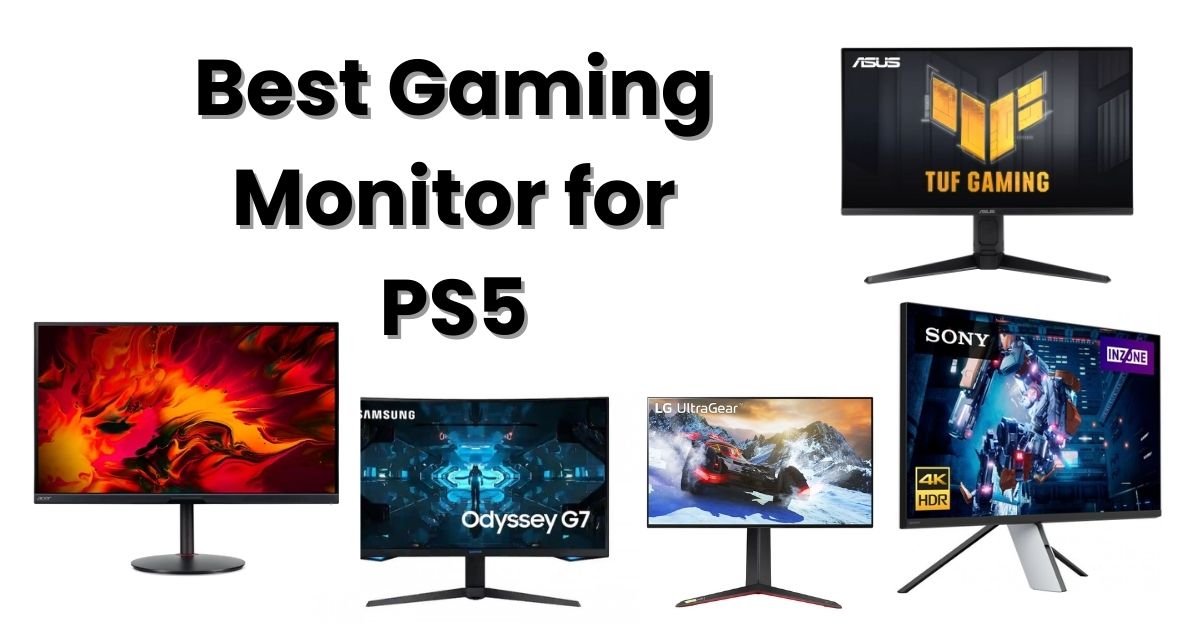
Quick Summary:Best PS5 Gaming Monitors in 2025
| Rank | Monitor | Resolution | Refresh Rate | Panel | Best For |
|---|---|---|---|---|---|
| 1 | LG 27GP95R-B | 4K | 144Hz | Nano IPS | Best Overall |
| 2 | Sony INZONE M9 | 4K | 144Hz | Full-Array Local Dimming | Best for PS5 Integration |
| 3 | Samsung Odyssey G7 | 1440p | 240Hz | QLED VA | Best 1440p Performance |
| 4 | Acer Nitro XV282K | 4K | 144Hz | IPS | Best Budget 4K |
| 5 | ASUS TUF VG28UQL1A | 4K | 144Hz | Fast IPS | Best for Competitive Gaming |
Why You Need a Quality Monitor for PS5
The PS5 offers advanced display features, but without the right monitor, you won’t benefit from them. An ideal PS5 gaming monitor should support:
4K resolution (for maximum visual detail)
120Hz refresh rate (for smoother gameplay)
HDMI 2.1 (required for 4K 120Hz)
VRR (to eliminate tearing and stutter)
HDR10 or better (for improved brightness and color)
Low input lag (for responsive gameplay)
Without these, your PS5 experience will be limited.
Top 5 Best Gaming Monitors for PS5 in 2025
1. LG 27GP95R-B – Best Overall PS5 Gaming Monitor
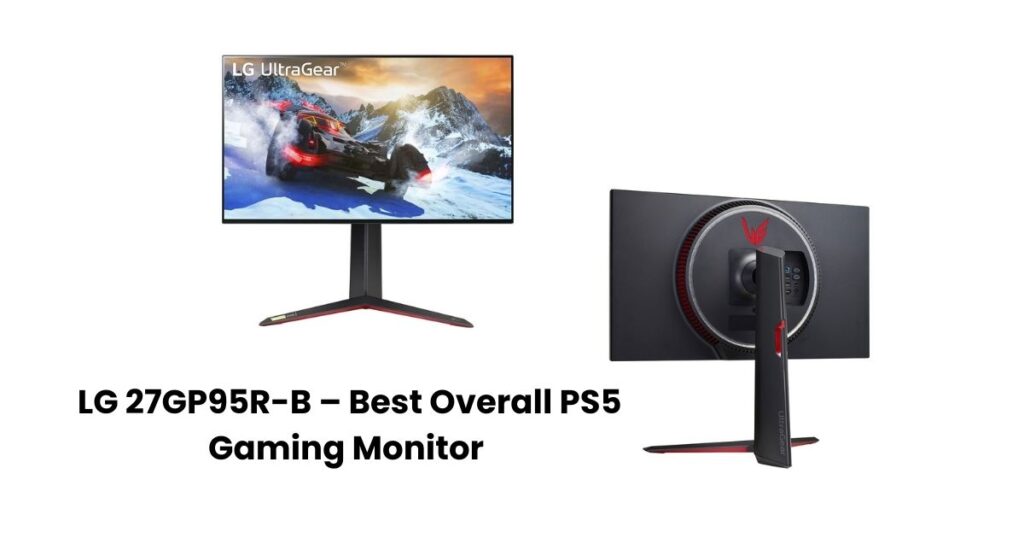
Resolution: 4K
Refresh Rate: 144Hz
Panel Type: Nano IPS
Size: 27-inch
HDMI Ports: 2 × HDMI 2.1
Why It’s the Best
The LG 27GP95R-B is widely regarded as one of the most balanced gaming monitors available for PS5 users. With its Nano IPS panel, exceptional color reproduction, and true HDMI 2.1 support, it delivers the full 4K 120Hz experience the console is built for.
Performance
- Outstanding color accuracy
- Fast 1ms response time
- Strong HDR performance for an IPS display
- Smooth VRR support
Pros
- Perfect support for 4K 120Hz
- Wide color gamut
- Extremely responsive
- Ideal for both casual and competitive gaming
Cons
- IPS glow in dark environments
- HDR is good but not high-end
Final Verdict:
A reliable, high-performance option suited for nearly all types of PS5 gaming.
2. Sony INZONE M9 – Best Monitor Designed Specifically for PS5
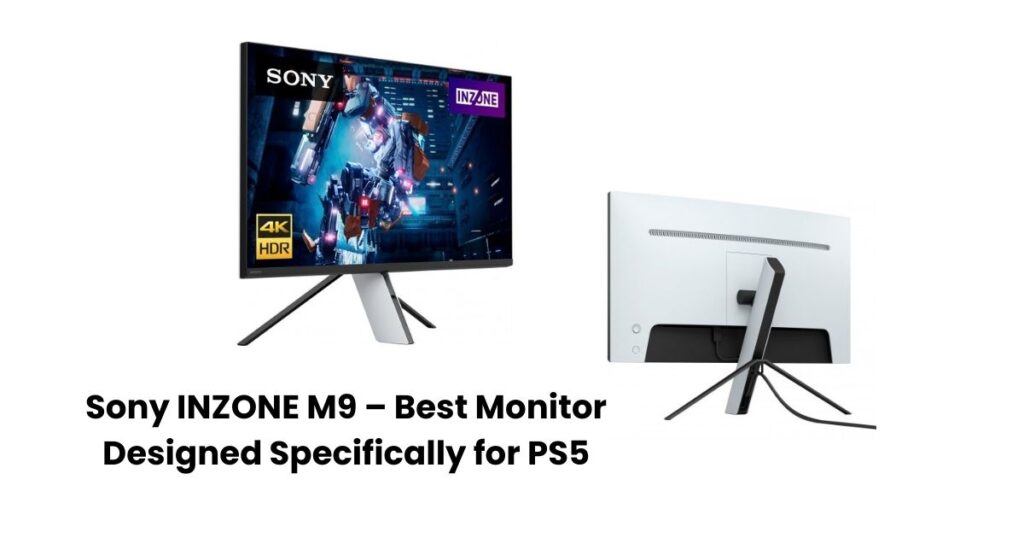
Resolution: 4K
Refresh Rate: 144Hz
Panel Type: IPS with Full-Array Local Dimming
Size: 27-inch
HDMI Ports: 2 × HDMI 2.1
Why It Stands Out
Created by Sony, the INZONE M9 is optimized for PS5 with features like Auto HDR Tone Mapping and Auto Genre Picture Mode. The local dimming dramatically improves contrast and HDR brightness, making this one of the best HDR monitors in its class.
Performance
- Excellent HDR brightness
- Strong contrast thanks to local dimming
- Seamless PS5 recognition and optimization
- Sharp 4K clarity
Pros
- Premium HDR performance
- Built-in PS5 optimization features
- Fantastic contrast for an IPS panel
Cons
- Higher price
- Stand takes up more space
Final Verdict:
If HDR is your priority and you want perfect PS5 compatibility, this is your best option.
3. Samsung Odyssey G7 (28” G70A) – Best 1440p Monitor for PS5
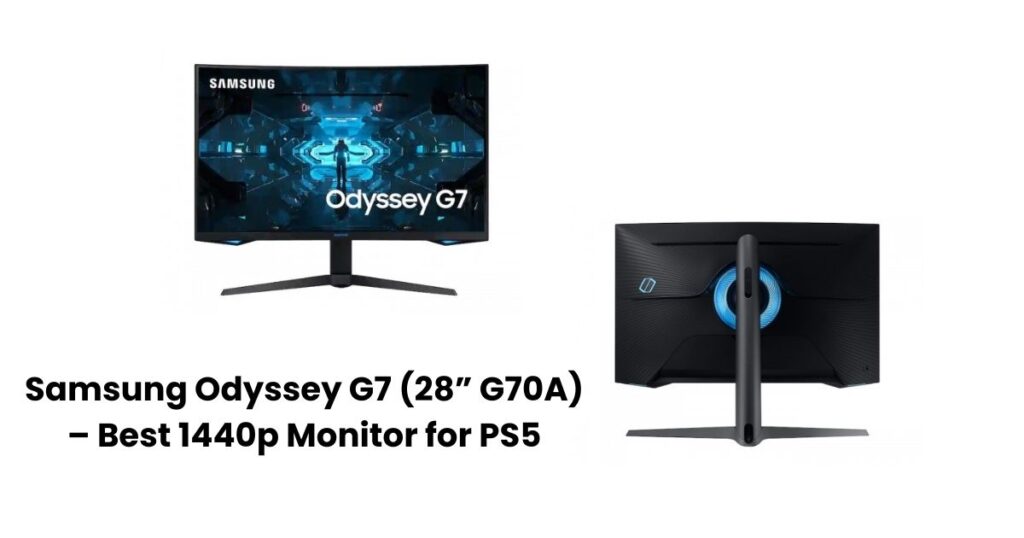
Resolution: 1440p
Refresh Rate: 240Hz
Panel Type: VA (QLED)
Size: 27/28 inch
HDMI Ports: HDMI 2.1
Why It’s Great
Since the PS5 now supports native 1440p, the Samsung Odyssey G7 is an excellent choice for players who value ultra-smooth gameplay. Its VA panel delivers deeper blacks and higher contrast than most IPS panels.
Performance
- Very low input lag
- Excellent clarity during fast movement
- High contrast and deep blacks
Pros
- Superb for fast-paced games
- High refresh rate
- Strong black levels and contrast
Cons
- HDR is not as impressive as Full-Array monitors
- Colors are less vibrant than IPS models
Final Verdict:
Perfect for competitive gamers who want smooth gameplay over 4K resolution.
4. Acer Nitro XV282K – Best Budget 4K HDMI 2.1 Monitor
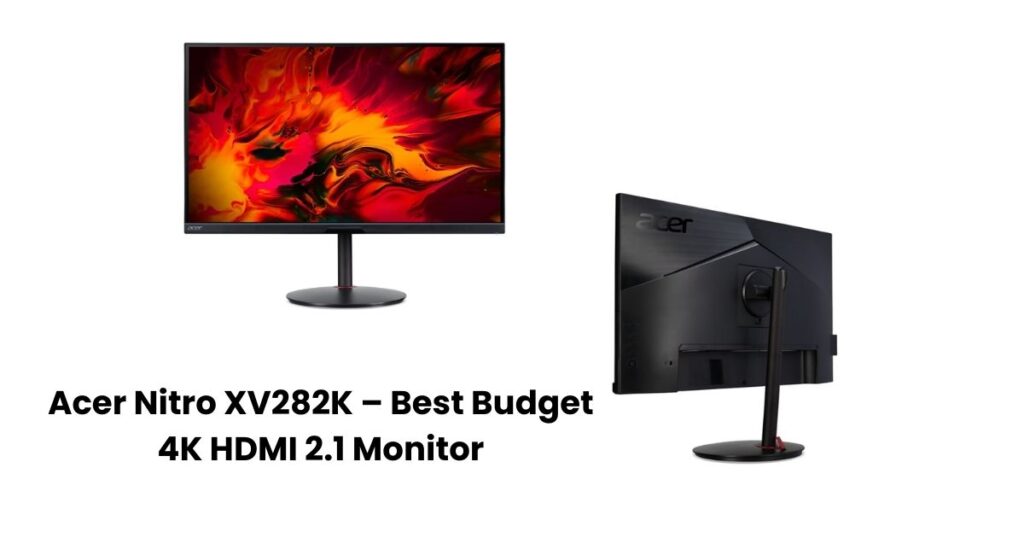
Resolution: 4K
Refresh Rate: 144Hz
Panel Type: IPS
Size: 28-inch
HDMI Ports: 2 × HDMI 2.1
Why It’s a Smart Purchase
The XV282K delivers true next-gen performance without a high price tag. It includes HDMI 2.1, solid HDR performance, and good color accuracy at a budget-friendly level.
Performance
- Smooth VRR performance
- Accurate, vibrant colors
- Better HDR than most monitors in its price range
Pros
- Affordable true 4K 120Hz experience
- Sharp, vibrant image
- Responsive performance
Cons
- HDR brightness is limited
- Basic stand design
Final Verdict:
A fantastic value pick for gamers seeking a 4K 120Hz monitor without spending top-tier prices.
5. ASUS TUF VG28UQL1A – Best Monitor for Competitive PS5 Gaming
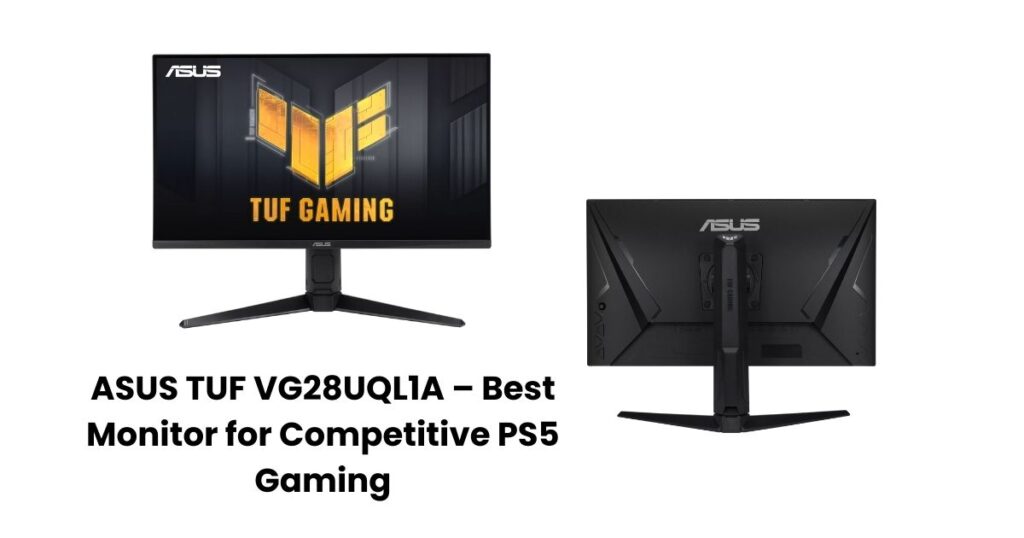
Resolution: 4K
Refresh Rate: 144Hz
Panel Type: Fast IPS
Size: 28-inch
HDMI Ports: HDMI 2.1
Why Competitive Players Prefer It
This monitor focuses on raw speed, using a Fast IPS panel that minimizes ghosting and improves motion clarity. ASUS also adds ELMB Sync technology, which combines motion blur reduction with VRR.
Performance
- Very low response times
- Sharp, clean motion at high refresh rates
- Good HDR performance for mid-range pricing
Pros
- Excellent for FPS games
- Fast pixel response times
- Good value compared to similar models
Cons
- HDR brightness is average
- Colors slightly less rich than premium IPS monitors
Final Verdict:
Ideal for competitive gamers who want speed, responsiveness, and clarity.
How to Choose the Best Monitor for PS5
Choosing the right monitor isn’t just about resolution. Here’s what really matters:
1. HDMI 2.1 Support
To run games at 4K 120Hz, your monitor must include HDMI 2.1.
Without it, you are limited to 4K 60Hz.
2. Resolution
- 4K: Best for cinematic titles and future-proofing
- 1440p: Best balance between performance and price
- 1080p: Not recommended for PS5 today
3. Refresh Rate
PS5 supports up to 120Hz.
Higher refresh rates mean smoother visuals.
4. HDR Quality
Good HDR requires:
- High peak brightness (600 nits or more)
- Wide color gamut
- Local dimming
5. Panel Type
- IPS panels offer better color accuracy and viewing angles
- VA panels offer deeper blacks and stronger contrast
6. Screen Size
The ideal ranges:
- 27 to 28 inches for desks
- 32 inches for immersive gaming
If you’re exploring more display options beyond PS5 gaming, you may also find our other guides helpful. For budget-focused gamers, our detailed roundup of the best PC gaming monitors under $200 highlights several affordable models that still deliver strong performance. And if you want a single screen that works well across multiple platforms, be sure to check out our expert review of the best monitors for both console and PC gaming to find a versatile setup for 2025.
For more in-depth comparisons, you can also read TechRadar’s updated guide here:
https://www.techradar.com/best/best-monitors-for-ps5
To learn more about whether HDMI 2.1 is required for PS5 performance, check this detailed breakdown:
https://easytechsolver.com/do-i-need-an-hdmi-2-1-monitor-for-ps5/
Final Verdict: Which PS5 Monitor Should You Buy?
If you want an all-around top performer, choose the LG 27GP95R-B.
If HDR and complete PS5 synergy matter, the Sony INZONE M9 is the ideal match.
For budget-friendly 4K performance, the Acer Nitro XV282K is the best choice.
Your monitor dramatically influences how the PS5 looks and feels. With the right display, you’ll experience smoother motion, richer colors, improved responsiveness, and overall better gameplay.
Frequently Asked Questions (FAQ)
1. Does the PS5 support 1440p monitors?
Yes. Since Sony’s system update, the PS5 now supports native 1440p output, making many QHD monitors a great choice for players who prefer higher refresh rates over 4K resolution.
2. Do I need HDMI 2.1 for PS5 gaming?
You only need HDMI 2.1 if you want to play games at 4K 120Hz. HDMI 2.0 can still run 4K 60Hz and 1440p 60/120Hz, but you won’t get the full next-gen performance without HDMI 2.1.
3. Is a monitor better than a TV for PS5?
For competitive gaming, yes. Monitors typically offer lower input lag, faster response times, and smoother motion handling. TVs are better for large-screen cinematic gaming but are generally slower for fast-paced titles.
4. What size monitor is best for PS5?
The ideal range is 27 to 32 inches.
A 27–28 inch monitor is perfect for desk setups, while 32 inches provides a more immersive console experience.
5. Should I choose 4K or 1440p for PS5?
If you prefer visual clarity and cinematic quality, go with 4K.
If you prioritize smoother gameplay and a lower price point, 1440p is an excellent and now fully supported option.